Demonstration
Confidentiality, from sending to receiving.
Discover in five steps how SIRR protects your documents and secures their delivery. Click a step.
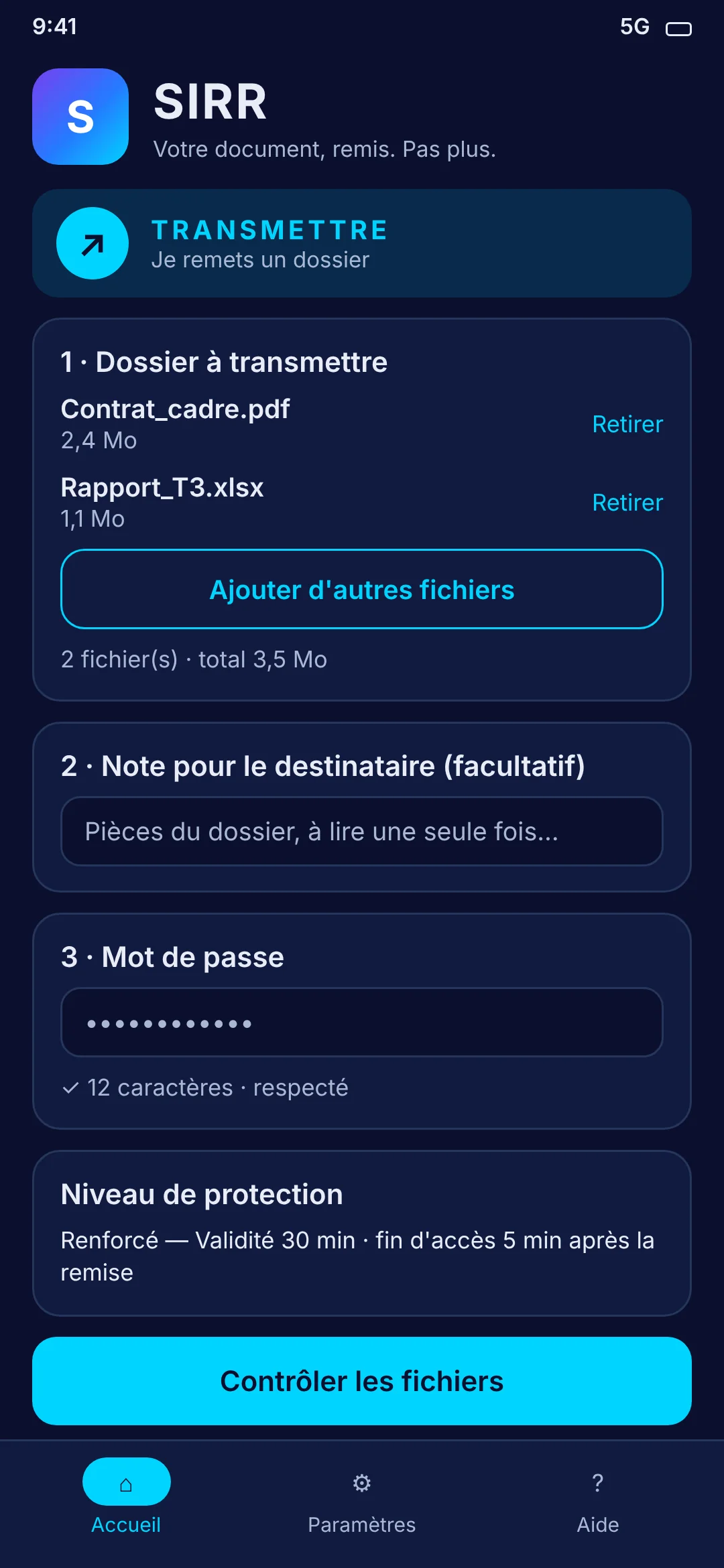
Illustrative screen of the Android app.
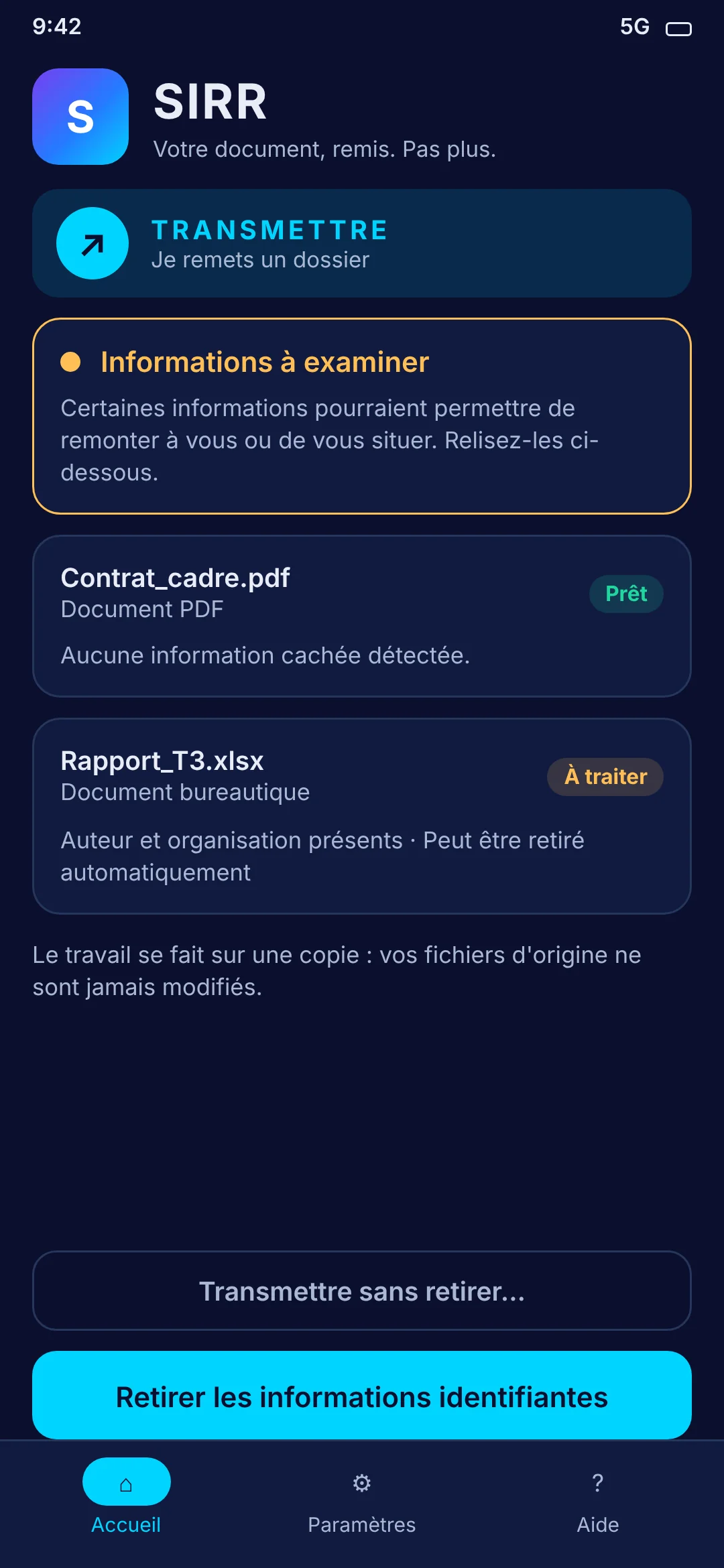
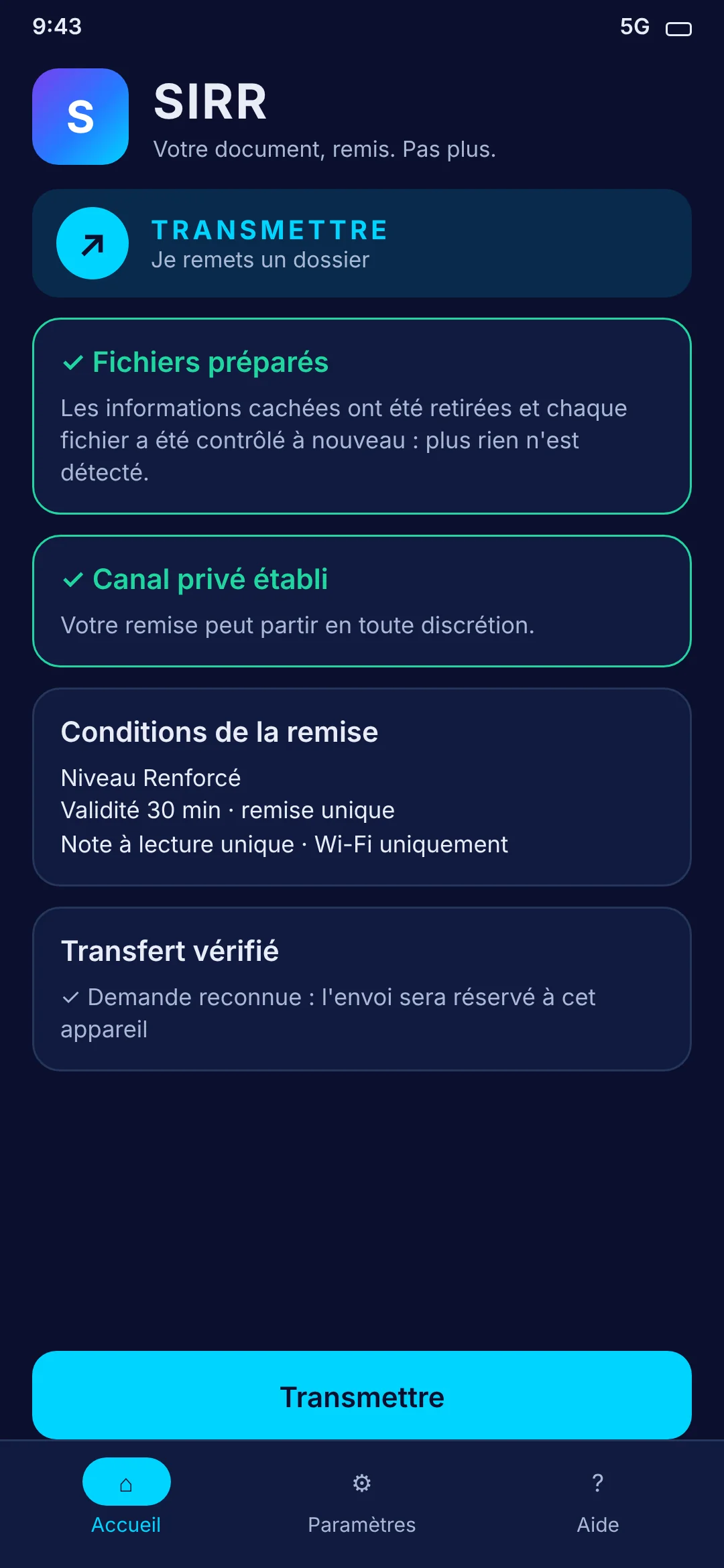
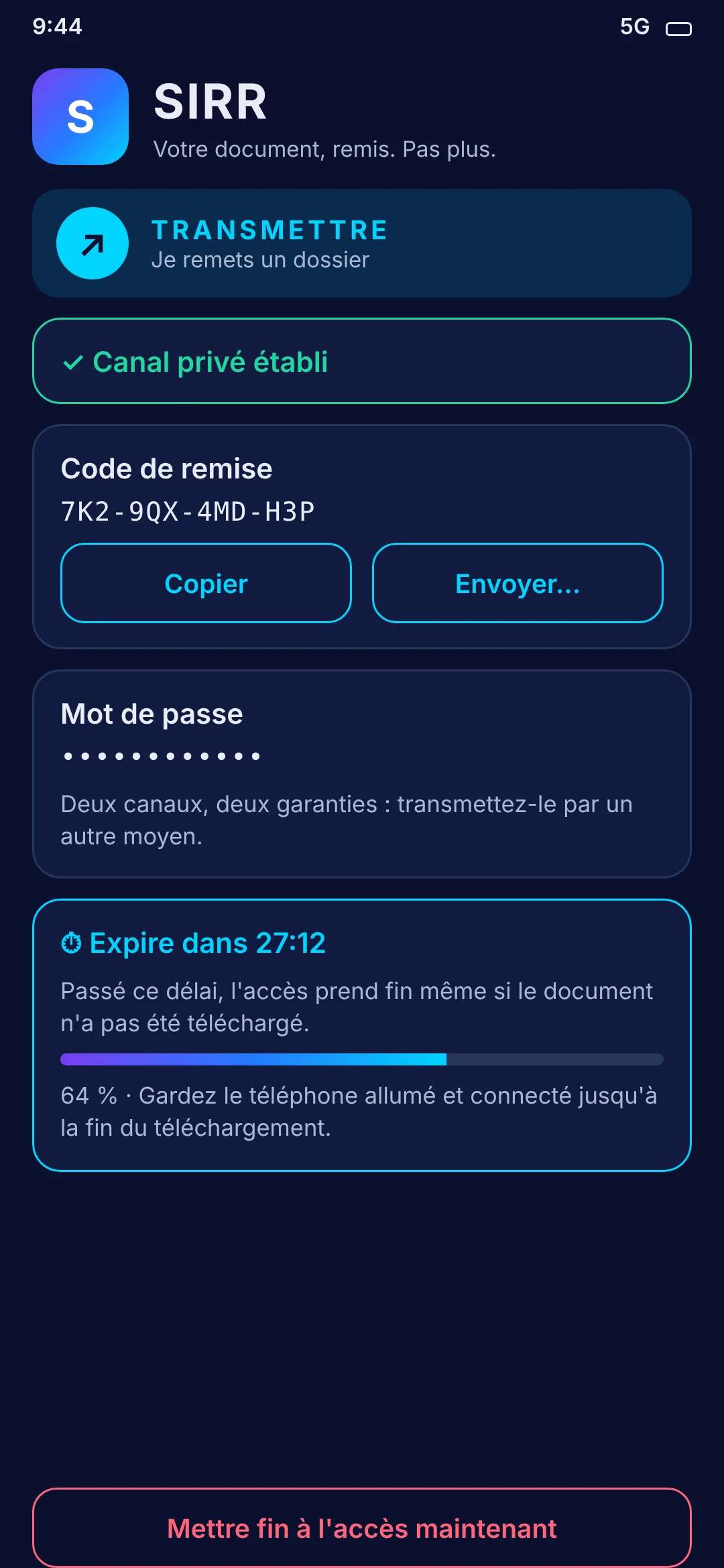
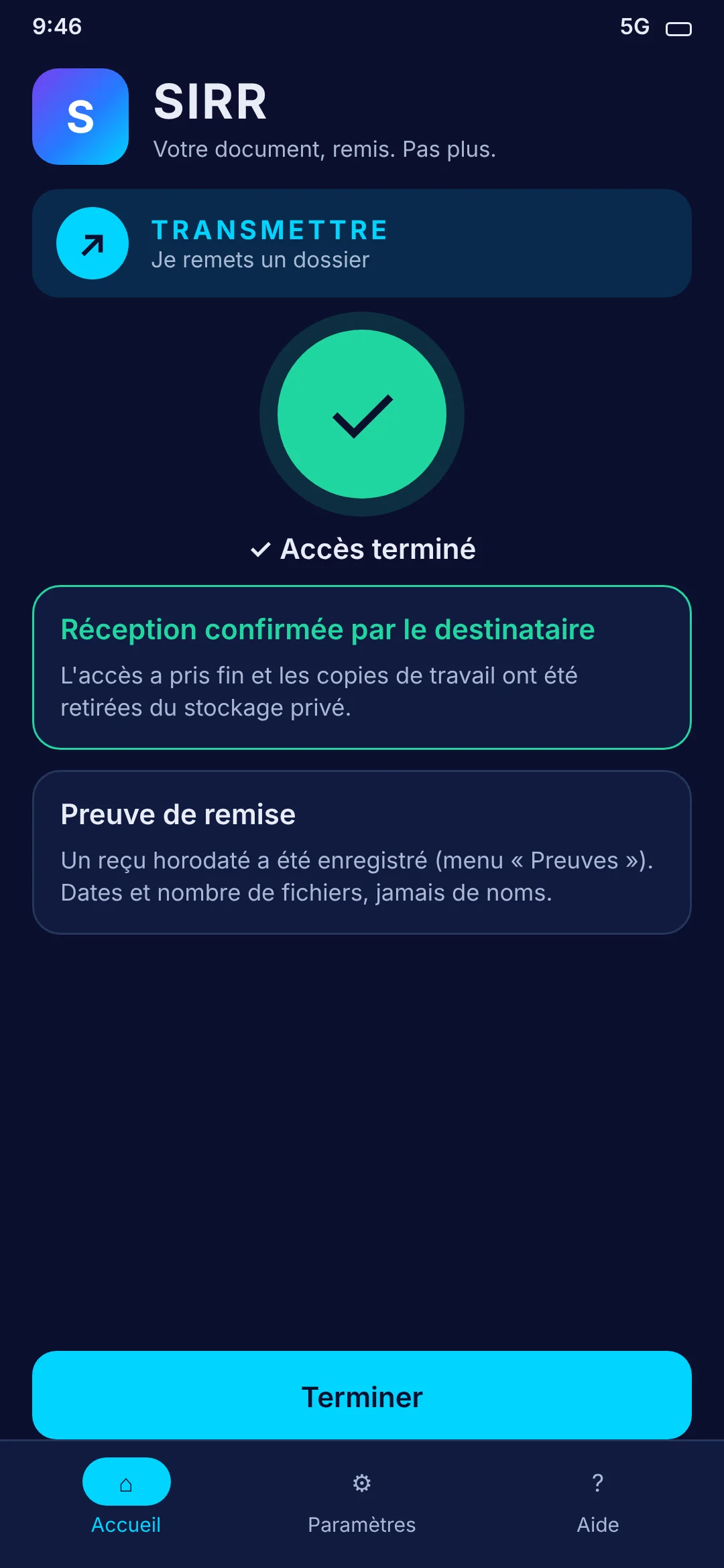
Swipe to go through the five steps.
Illustrative screens of the early-access Android app: they show the journey and may differ from the delivered version. The photographs show the app’s real interface.
The app in use
Two minutes to understand how your documents are protected.
A sober application, with no jargon: what the sender does, what the recipient sees, what it changes for you. Each step is clear at a glance.


Simple or expert
You choose your mode at every start.
- Simple mode: the essentials, with three protection levels (Standard, Enhanced, Critical).
- Expert mode: access durations, number of handovers, options, console and proofs of handover.
- The same features are available in both modes.
For the recipient
A verified transfer, prepared by the recipient.
The recipient prepares a receiving request on their phone and sends it to the sender. Even an intercepted code becomes useless: the document can only be received by that device.

A demonstration suited to your context.
Executives, agencies, newsrooms, law firms: we walk you through the journey with your own cases.